
SOUNDRAW
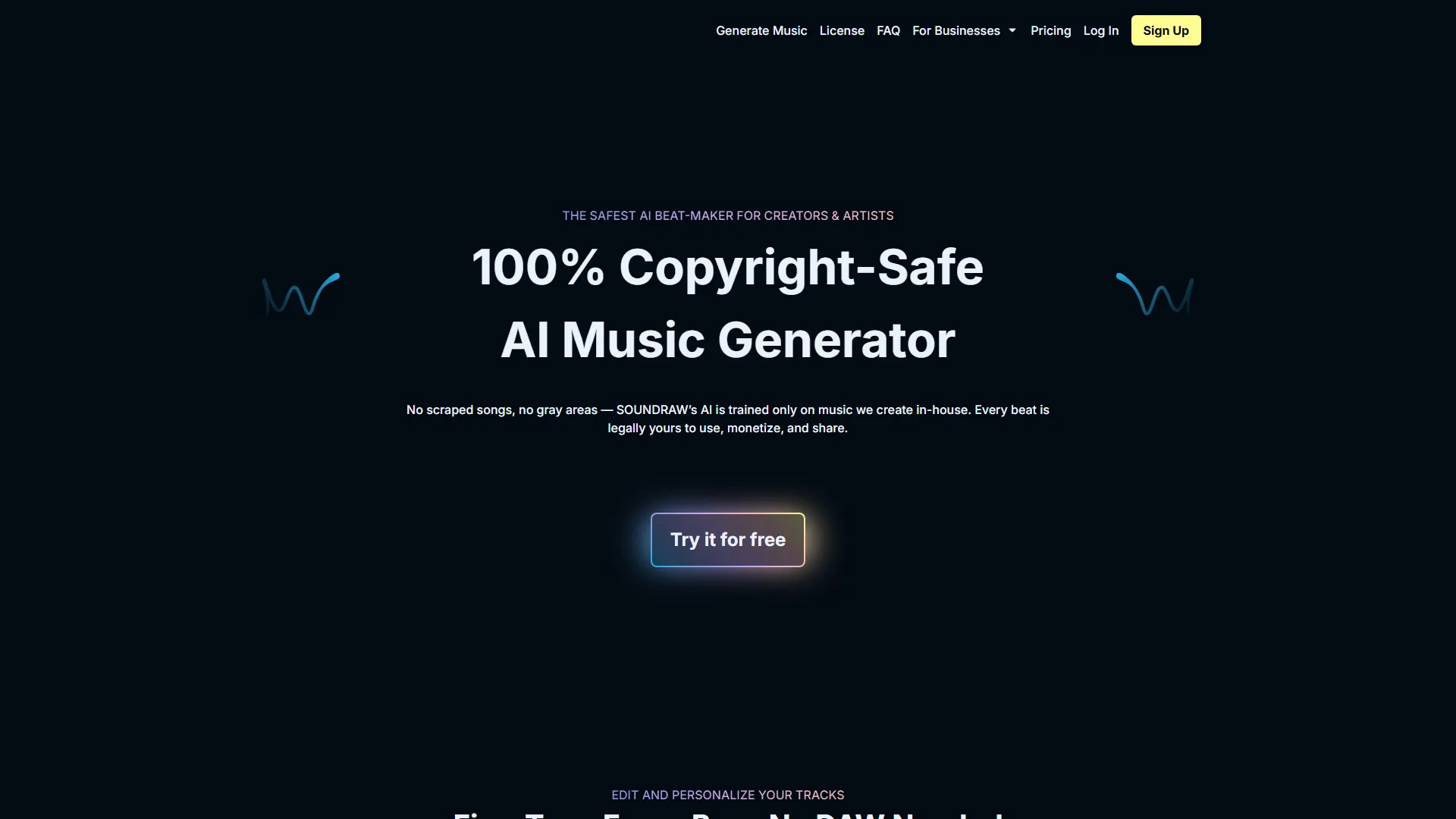
SOUNDRAW is an AI-powered music generation platform that creates customizable, royalty-free background tracks for video creators and content producers.
How it works and main features
Explore the main features, functionalities and how this AI tool can help you.
SOUNDRAW functions as a generative music engine designed to bypass traditional stock music licensing hurdles by allowing users to create tracks tailored to their specific needs. By selecting emotional parameters, instruments, and composition structures, users can generate multiple variations of a song that are procedurally composed in real-time within the web interface. It is best suited for video editors, social media content creators, and independent filmmakers who need background music that fits exact timing requirements. It excels in scenarios where a creator needs to adjust the intensity or length of a track to sync with video cuts without requiring advanced audio engineering skills. Limitations arise for professional music producers or those seeking highly complex, human-like compositional depth, as the output can occasionally feel repetitive or lack the nuance of bespoke human-composed scores. It is also not a substitute for high-fidelity sound design or complex multi-track DAW (Digital Audio Workstation) environments where granular sample manipulation is required. Ultimately, SOUNDRAW is a practical choice for creators who prioritize speed, license peace-of-mind, and the ability to customize music to match their visual media. It bridges the gap between static stock audio libraries and expensive, custom production services by putting the composition logic directly into the hands of the video creator.
- Customizable track mood, genre, and instrument selection
- Real-time length adjustment to match specific video cuts
- Royalty-free commercial use license
- Automatic structural composition based on AI-defined music theory
- Tempo and BPM control for rhythmic synchronization
- Section-based editing for custom song progression
- Unlimited downloads on professional subscription plans
- Web-based interface compatible with most browsers
Advantages and disadvantages of the tool
See the main strengths and limitations to decide if this tool is ideal for you.
Pros
- Eliminates copyright strikes with provided usage rights
- High level of control over song length and pacing
- Intuitive UI that requires no music theory knowledge
- Immediate generation of multiple variations for any prompt
- Affordable alternative to traditional stock music subscriptions
Cons
- Limited depth for complex, cinematic orchestral arrangements
- AI-generated melodies can sound repetitive over long durations
- No ability to import or manipulate external audio files
- Lack of professional-grade mixing and mastering control
- Requires active internet connection as it is a cloud-based web tool
Feedback and user experiences
See the reviews, ratings and opinions of users to understand the real experience with this tool.
Alex R.
Perfect for my YouTube workflow, saved me hours of searching stock sites.
Product Hunt
Sarah J.
The customization features are a game changer for pacing my edits.
Trustpilot
Mark V.
Very easy to use, and the music quality is surprisingly good for AI.
G2
Elena K.
Love that I can change the length of the track without losing the vibe.
Trustpilot
David W.
Solid tool for quick content creation, works exactly as advertised.
Product Hunt

G2
4.5
Trustpilot
4.2
Product Hunt
4.6
Real applications of the tool
Ideas and examples to make the most of the tool's features.
YouTube Background Music
Generating unique, royalty-free audio tracks to avoid copyright claims on video platforms.
Corporate Video Presentations
Creating professional, unobtrusive background scores for business promotional materials.
Social Media Ad Campaigns
Producing high-energy, short-form music clips perfectly timed to 15-30 second ad cuts.
Podcast Intros and Outros
Designing distinct branding music that is exclusive to the creator's podcast.
Independent Game Development
Generating ambient background loops for low-budget indie game projects.
Other similar tools
Compare with similar tools and choose the one that best meets your goal.
 Freemium
Reclaim
4.80Reclaim is an AI-powered calendar management tool that automatically schedules tasks, habits, and meetings to optimize work-life balance for busy professionals.
- Life Assistants
- Productivity
 Freemium
Superhuman
4.50Superhuman is a high-performance, keyboard-centric email client designed for professionals and teams who require extreme speed and efficiency in their inbox management.
- Productivity
 Freemium
Notion
4.42Notion is an all-in-one workspace that combines notes, databases, and project management tools, ideal for teams and individuals seeking a customizable information hub.
- Files & Spreadsheets
- Education & Studies
- Productivity
 Freemium
ClickUp
4.25ClickUp is an all-in-one project management platform designed for teams to centralize tasks, documentation, and collaboration within a single workspace.
- AI Chat & Assistant
- Files & Spreadsheets
- Productivity
- Automation
- Text Generators
Tutorials and videos of the tool
Learn how to use the tool with visual content and practical examples.

Fivio Foreign - Doin Me (Feat. SOUNDRAW) | Official Music Video | AI Music in Hip-Hop

How SOUNDRAW is Powering the Music Generation for Creators | Background Beats for Your Videos
Getting Started with SOUNDRAW: Generate, Edit, and Share AI-Generated Music

Unlock the Power of AI Music with SOUNDRAW API | Enhance Your Business

How Can You Use SOUNDRAW Music Commercially? | Top 10 AI Music Licensing Questions Answered
Frequently Asked Questions
Everything you need to know about finding and using AI tools
Yes, you can use the editor and listen to generated music for free, but downloading tracks requires a paid subscription.
Yes, subscribers are granted a commercial license to use the music in their projects, including client work.
Music generated by SOUNDRAW is royalty-free and intended for use in your content without copyright strikes.
No, the tool uses an intuitive interface that abstracts music theory, allowing anyone to customize the output by mood and tempo.
Yes, you can customize the track's structure, length, and intensity within the editor even after the initial generation.
No, it is a cloud-based web application that requires a stable internet connection to generate tracks.
No, SOUNDRAW focuses on generating a single mixed track and does not provide multi-track DAW-style editing.
You retain the right to use the music downloaded during your subscription period for videos published while active.
Yes, you can filter music by genre and instrument categories during the creation process.
SOUNDRAW focuses on generative AI customization, whereas platforms like Epidemic Sound focus on libraries of pre-composed, human-made tracks.
Latest AI Tools Articles
Everything you need to know about finding and using AI tools